How to specify a rhinestone scatter or a stone cluster
Use a black hoodie and decorated denim shorts to show where spacing can vary, which stones need fixed positions, and what to inspect near a working pocket.
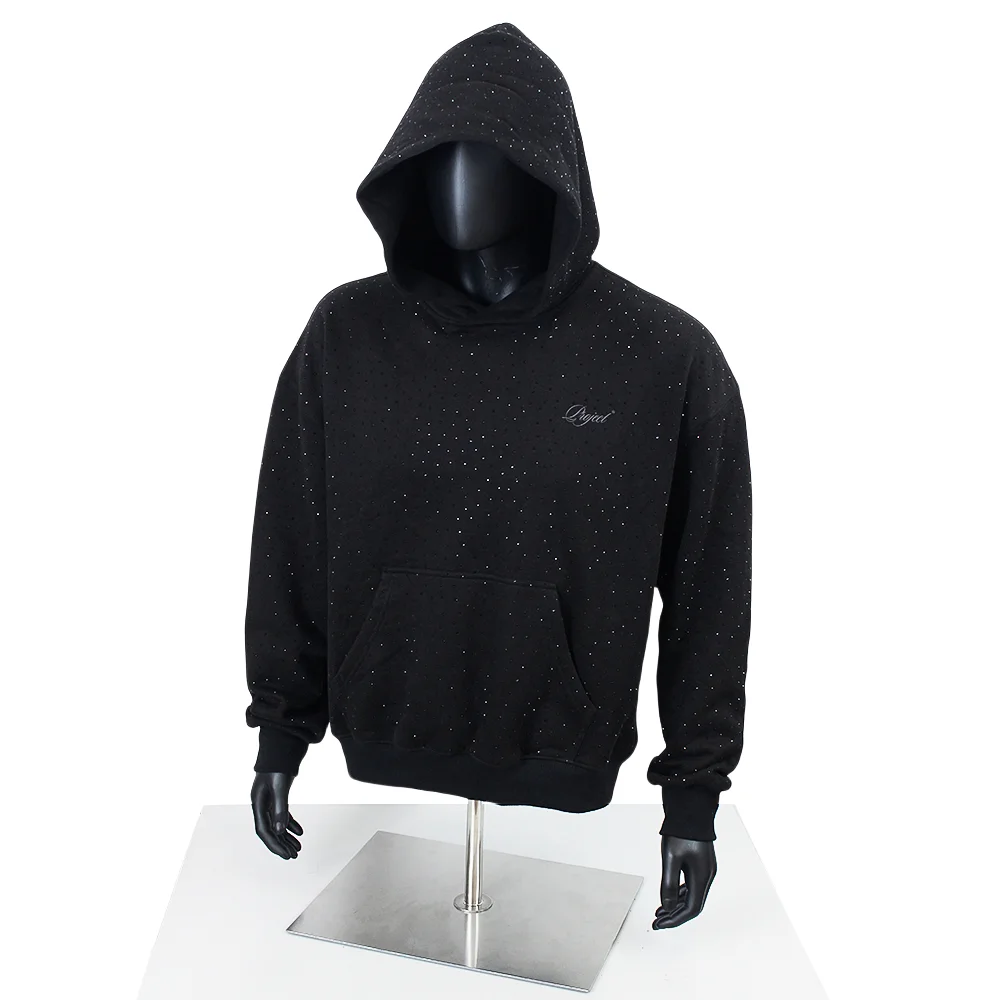
Imagine sending a factory a count of every stone on the Scattered Rhinestone Black Hoodie. The total could be exactly right and the chest could still look empty beside the neckline or crowded at the pocket. On the Jewel Cluster Denim Shorts, moving just one colored stone could change the look of an entire cluster. These two designs need different artwork instructions.
Give a scatter an area and a density reference
The hoodie has dark stones on dark cloth. Under a light set to one side, individual points become visible around the neck. Draw the boundary of the decorated area on a front view, using the neckline and pocket as landmarks. Then mark one small area of the sample whose spacing you like and photograph it beside a ruler. That gives the maker a density reference at actual size while allowing for small variations within the field.
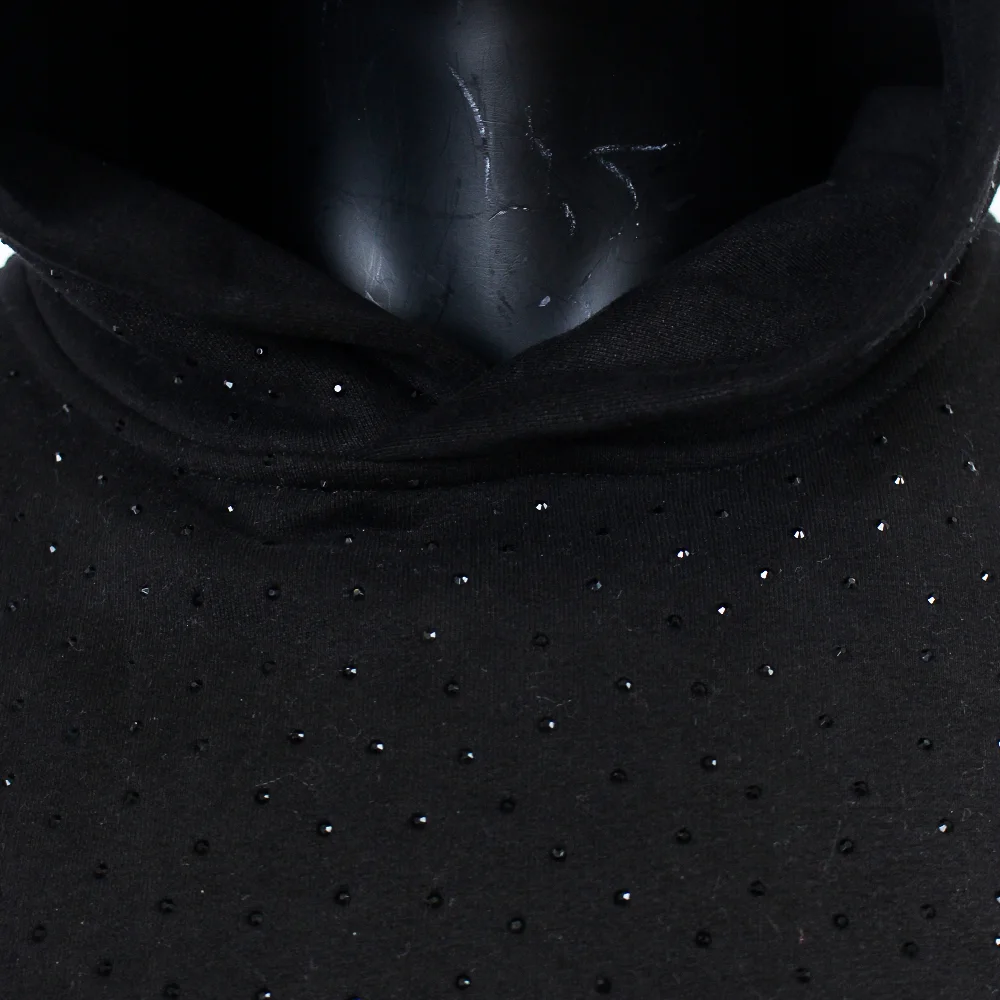
At the pocket, slide a hand in and out, then flex the edge gently and inspect the nearest stones. If a particular stone catches, mark that position and specify the clearance you want along the opening. Leave the approved chest spacing intact.
Map a cluster one element at a time
The denim shorts show an elongated pale patch outlined with small stones. Larger colored pieces sit inside it. Start by outlining the pale patch on the leg photo. Mark the centers of the larger pieces and the path of the smaller perimeter stones. Use a pocket edge or a leg seam to locate the whole cluster on the garment. A crop of the cluster alone cannot tell the factory how high it belongs on the leg.

Keep placement and attachment as separate approvals
Approve the arrangement on a full garment, then inspect a decorated trial after the agreed care cycle. Use the same light and angle for the before and after photographs. If a gap appears, compare it with the placement reference to see whether a stone moved, came away or was intentionally absent. Your final note can then identify both the location and the correction.